Before replacing a router, map the problem. Walls, metal, plumbing and distance all change how a signal behaves inside a home.
Start With a Fixed Test
Stand near the router and run a speed test on the same device each time. Keep the phone at roughly head height and wait for the result to settle.
Using one device avoids misleading comparisons caused by old hardware, power saving or a poor wireless card.

Walk the Rooms Slowly
Move room by room and note the result at the point where you actually use the phone, laptop or TV. A hallway result does not describe a bedroom corner.
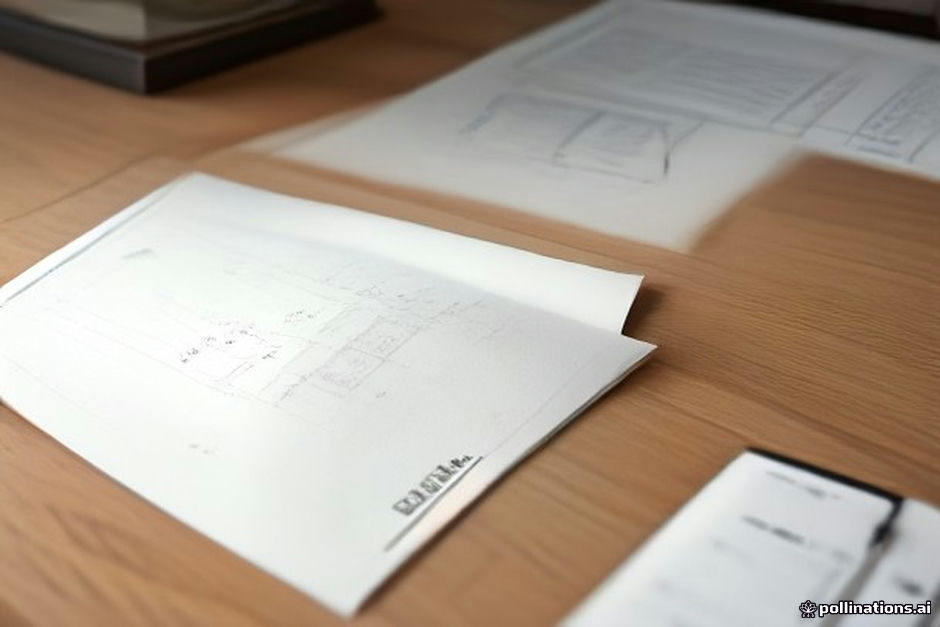
Mark the weak spots on a simple sketch. Patterns usually appear quickly, especially near bathrooms, stairwells and large furniture.
Look for Physical Causes
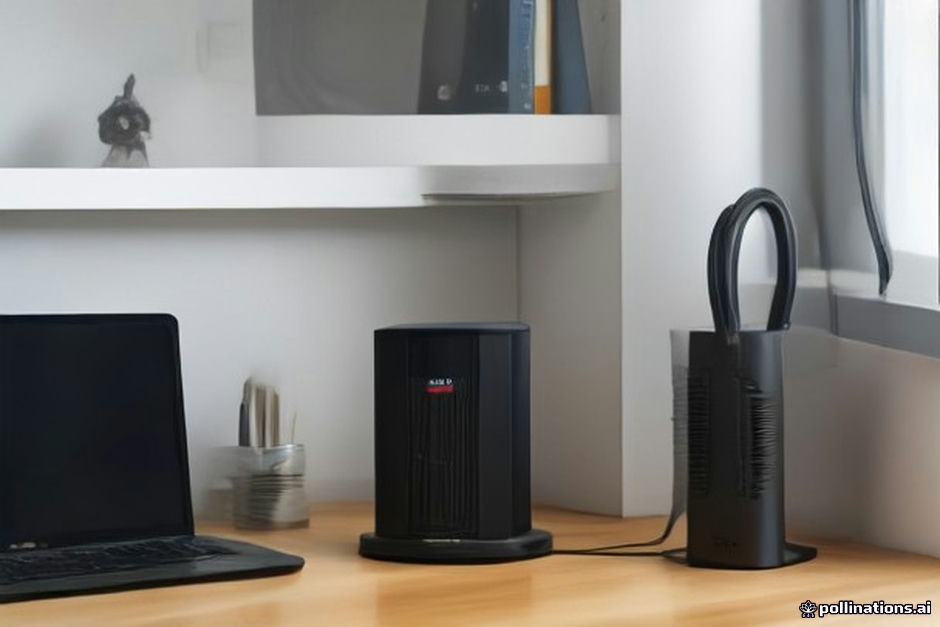
A router tucked behind a metal cabinet or inside a closet will struggle. Raising it and moving it away from thick walls often changes more than a setting.
Check whether the drop happens only on one band. Some devices stay on a weak long-range signal instead of switching to a faster one.

Fix the Smallest Cause First
Try relocating the router before buying a booster. A one metre move to an open shelf can remove the need for extra hardware.
If a weak area remains, consider a wired access point rather than a repeater that repeats the same weak signal.
Map the dead zone before you buy the fix.
Router firmware update routineWebsite speed changes visitors feelcontact us